Auto login
Introduction
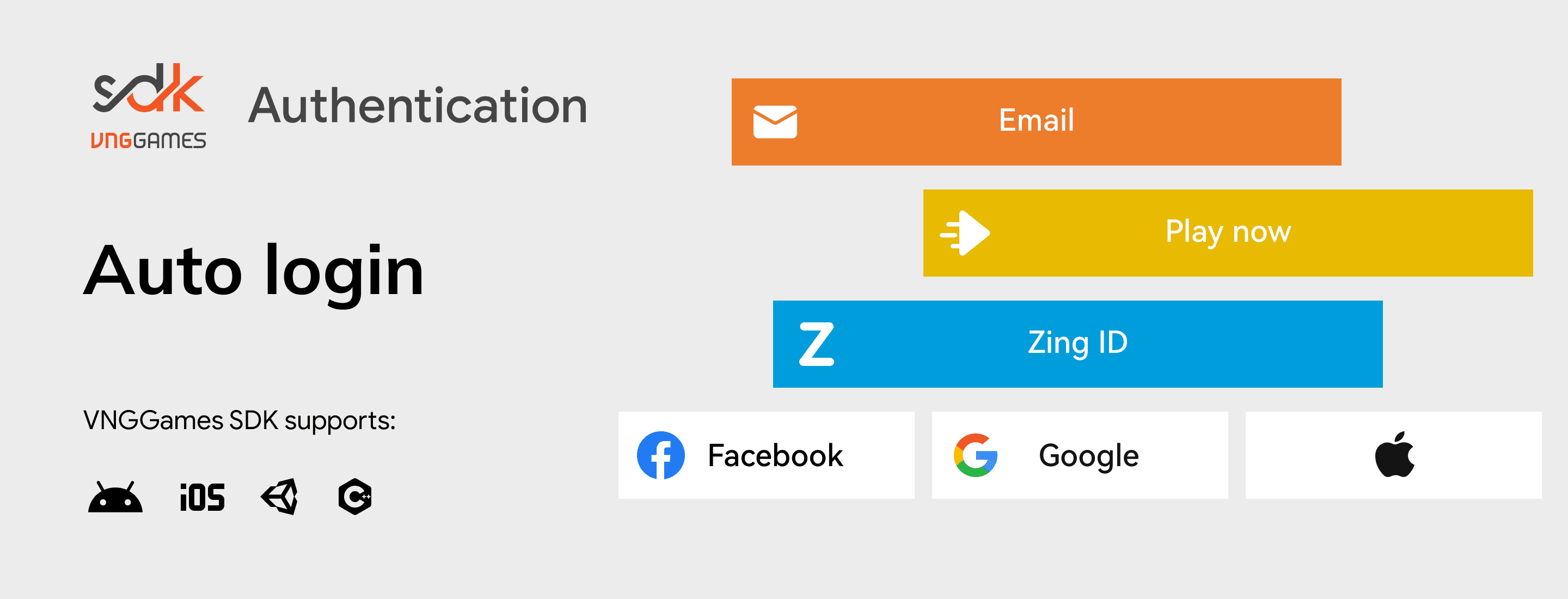
The VNGGames SDK auto-login feature offers a streamlined authentication process that significantly enhances user experience. By simplifying the login procedure, it allows players to access their games quickly, making the gaming experience more enjoyable and engaging.
What is Auto login
The auto-login method in the VNGGames SDK automatically manages user authentication after the initial login. Once players have logged in for the first time, the SDK remembers their selected login channel and handles subsequent logins without requiring further input from the user. This feature is designed to create a seamless transition between sessions, encouraging players to return to their games with ease.
Key capabilities
How it works
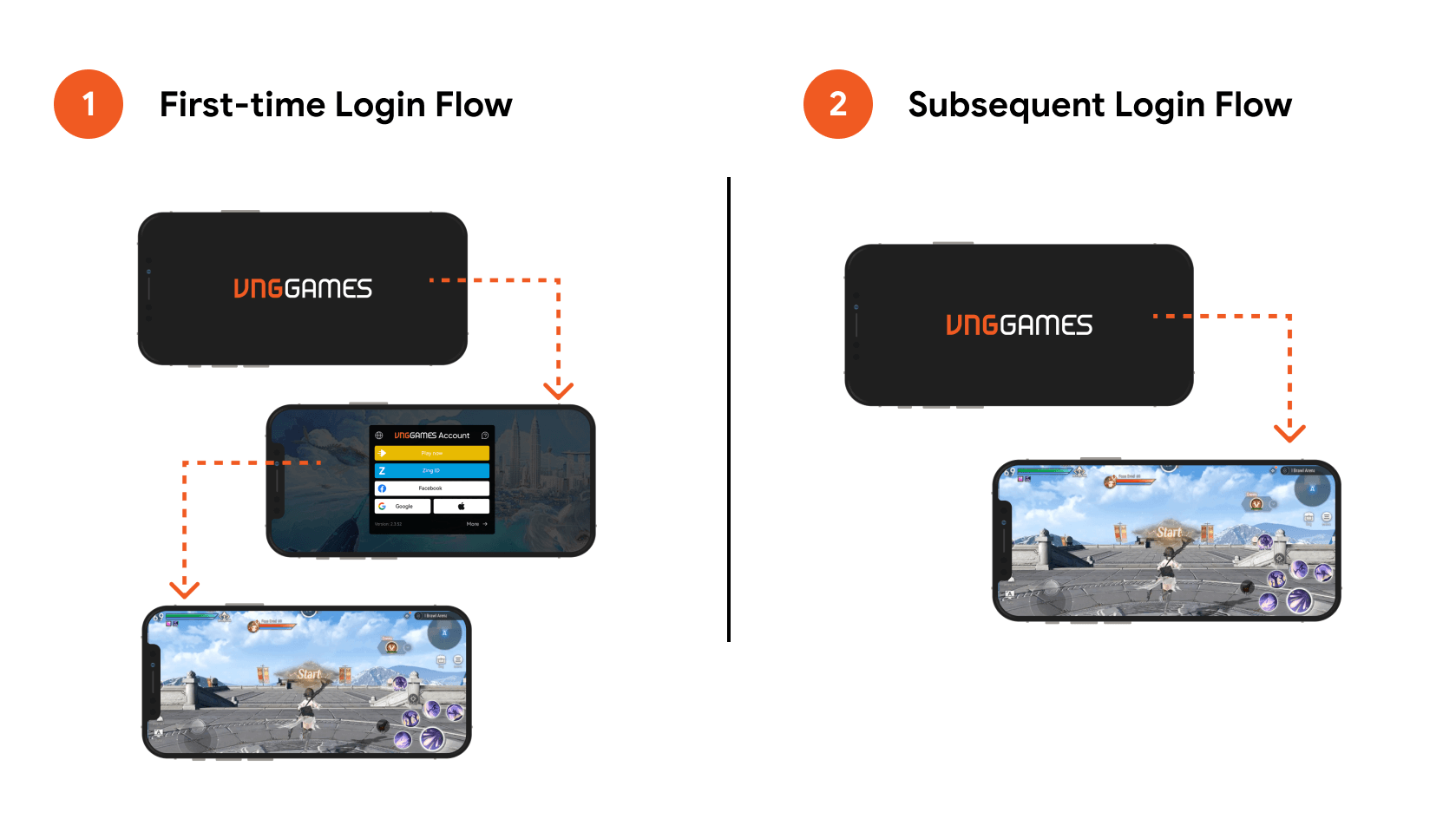
The auto-login feature operates through two distinct flows:
First-Time Login Flow
App Launch
Users open the app and are greeted by an introduction screen.
SDK Authentication Process
Once the player selects their login option, the VNGGames SDK initiates the authentication process. The SDK dynamically handles each login method according to the user’s selection. This process is identical to the one described in the Show Login form - How it works.
Verification via VGA Platform
-
Secure Verification: After the login information is submitted, the VGA platform (VNGGames Account platform) verifies the credentials to ensure they are correct and valid.
-
Session Handling: The platform also checks and handles the player’s session to ensure continuity of gameplay across multiple logins or devices.
User Access
After successful authentication, VGA platform retrieves the user’s information and sends it back to VNGGames SDK. VNGGames SDK then forwards this user information back to the game by callbacks, confirming that the player has been successfully authenticated.
Subsequent Login Flow
App Launch
Users open the app and are greeted by an introduction screen.
Automatic Login
VNGGames SDK takes charge by automatically logging in the user. It retrieves the user’s most recent data stored from the previous login session and begins authentication with the VGA platform, automating steps 2 and 3 from the first-time login flow.
Immediate Access
After successful authentication, users can start playing without needing to enter their credentials again.
Sample Use Case
Challenge: Frequent re-entry of login form disrupting user experience.
Players were experiencing delays and frustration when they had to re-enter their login credentials every time they launched the game, leading to lower retention rates and slower re-engagement.
Solution
The developer implemented the Auto Login feature from the VNGGames SDK, allowing users to automatically log in using the credentials from their initial login. The SDK remembers the player’s last-used login channel (such as Google, Facebook, or guest account, etc…) and bypasses the login form entirely, letting them start the game immediately.
Result
The implementation of Auto login led to a significant reduction in login times, allowing players to quickly jump back into the game without any interruptions. This boosted player retention and re-engagement rates, as users appreciated the seamless and efficient login experience.