Show login form
Introduction
User authentication is one of the most critical aspects of mobile game development. Whether your game involves saving progress, accessing leaderboards, or engaging in multiplayer experiences, a secure and intuitive login system is essential for a positive user experience. With the VNGGames SDK’s login form, developers can now effortlessly provide players with a smooth and secure way to authenticate, ensuring that login processes are both flexible and reliable.
What is Show login form
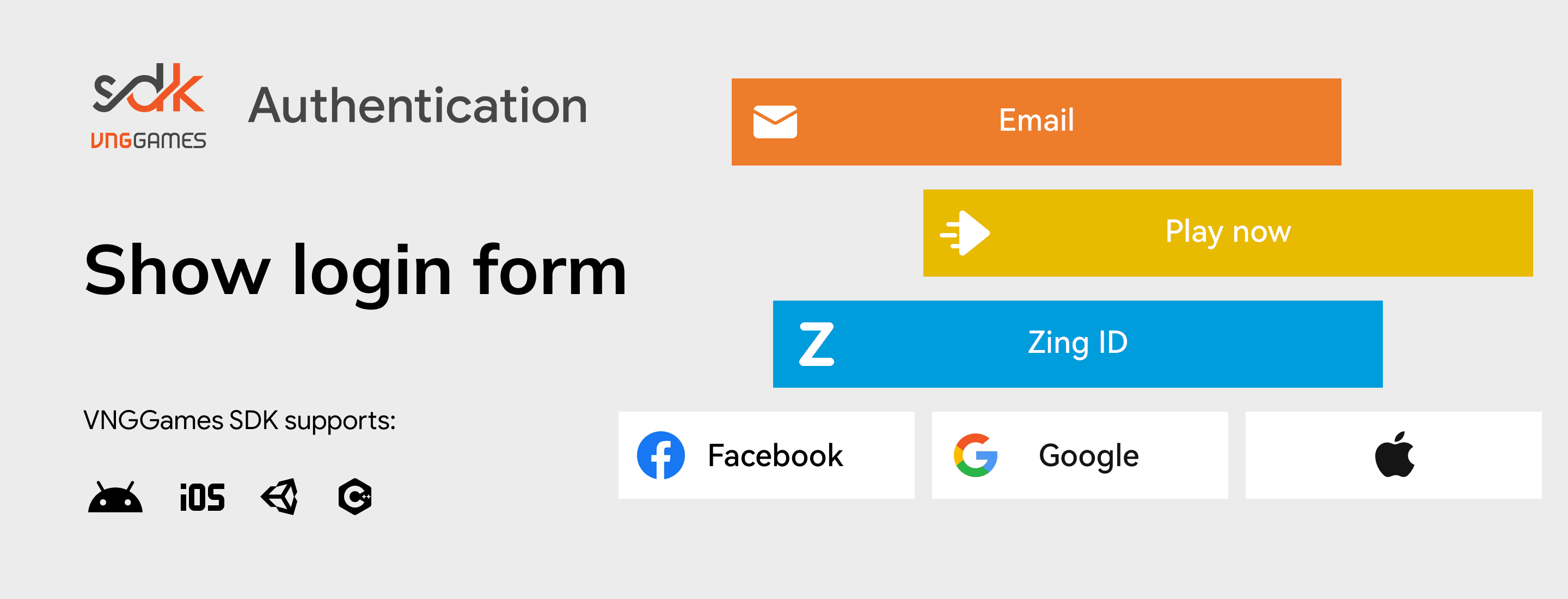
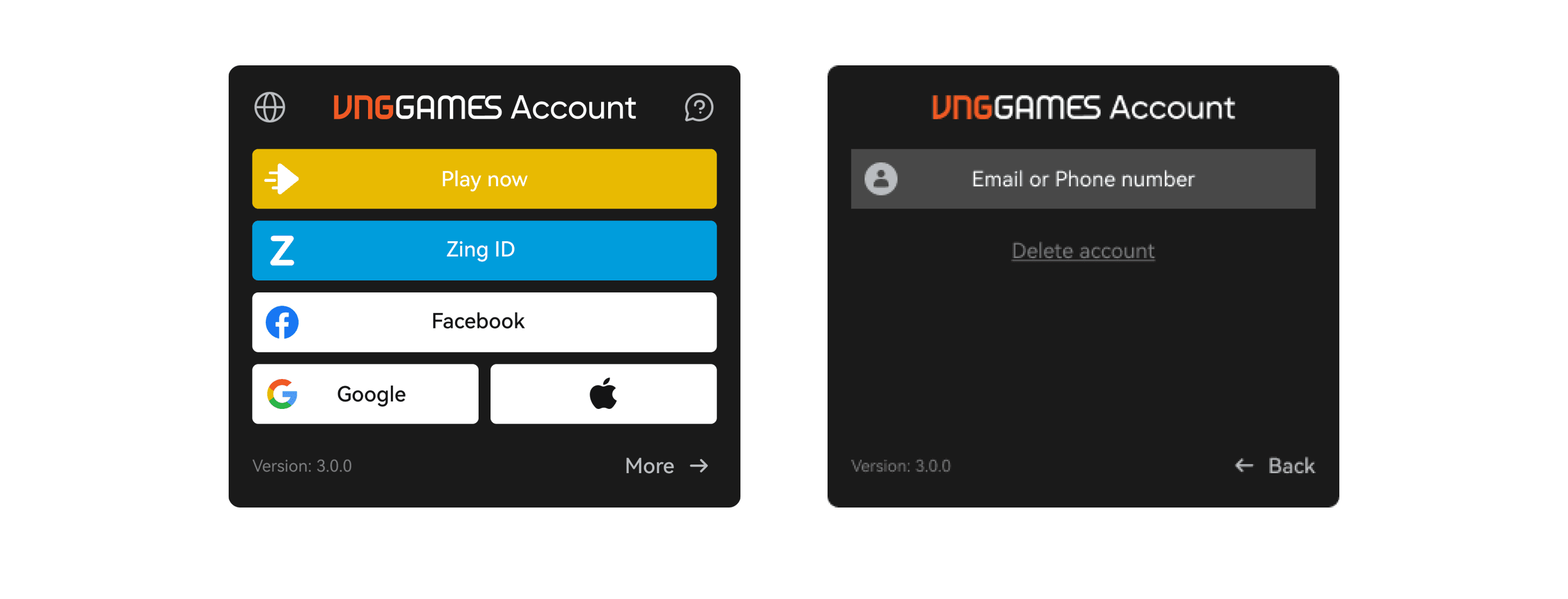
The login form feature in the VNGGames SDK allows game developers to integrate a secure and user-friendly authentication process into their mobile games. It supports multiple login methods, enabling players to access the game using various credentials. With this feature, players can authenticate using:
- An email/phone and a password, or
- Third-party social authentication methods like Google, Facebook, Apple, Zing, or other platforms or
- A guest account for quick play with no action needed, allowing players to jump into the game instantly without creating an account or entering credentials.
Key capabilities
How it works
Login Initiation
The player begins by selecting their desired login method from the available options within the login form shown by VNGGames SDK. These options include:
- Email/Phone & Password: The player enters their principal name (email or phone) and password.
- Social Authentication: Players can choose a third-party login option, such as Google, Facebook, Apple, or Zing.
- Guest Login: Players can opt for a Guest Login to access the game immediately without any setup or credentials.
This step offers flexibility and caters to players’ different preferences for authentication.
SDK Authentication Process
Once the player selects their login option, VNGGames SDK starts the authentication process. The SDK dynamically handles each login method based on the user’s selection.
-
Email/Phone & Password: If the player has chosen to log in with a email/phone and password, the SDK will securely forward the provided credentials to the authentication server.
-
Social Authentication: For players opting for social login, the SDK seamlessly integrates with third-party authentication platforms such as Google, Facebook, or Apple. The SDK initiates communication with the selected platform, triggering the necessary authentication flow:
- The player is redirected to the respective platform’s login page or interface (e.g., Google or Facebook’s login page).
- Once authenticated on the third-party platform, the SDK receives a token or confirmation that the player has been successfully authenticated. This token is then passed back to the VGA platform for further validation.
💡
For Zing channel, the SDK securely passes the username and password to the VGA platform for further processing.
-
Guest Login: In the case of a guest login, the SDK interacts with the VGA platform to either create or retrieve a guest account for the player.
Verification via VGA Platform
-
Secure Verification: After the login information is submitted, the VGA platform (VNGGames Account platform) verifies the credentials to ensure they are correct and valid.
-
Session Handling: The platform also checks and handles the player’s session to ensure continuity of gameplay across multiple logins or devices.
User Access
After successful authentication, VGA platform retrieves the user’s information and sends it back to VNGGames SDK. VNGGames SDK then forwards this user information back to the game by callbacks, confirming that the player has been successfully authenticated.
Sample Use Case
Challenge: Frustrating account-switching for multi-account players
A multiplayer game where players frequently switch between multiple accounts (for example, managing different characters or roles in the game) was facing issues with a confusing and time-consuming account switching process. Players had to navigate several menus or log out manually, which disrupted their gaming experience and led to frustration.
Solution
The developer integrated the Show Login Form feature from the VNGGames SDK, configuring it to display each time the user enters the game. This approach allows players to easily choose or switch between accounts right from the start, without needing to manually log out or navigate multiple screens. With social media and guest login options available, players can quickly log in with their desired account.
Result
The login experience became much smoother and user-friendly. Players can now seamlessly switch between accounts upon entering the game, reducing frustration and enhancing their gameplay experience. The streamlined process improved account management for the players and led to higher user satisfaction, ultimately contributing to longer play sessions and increased retention.